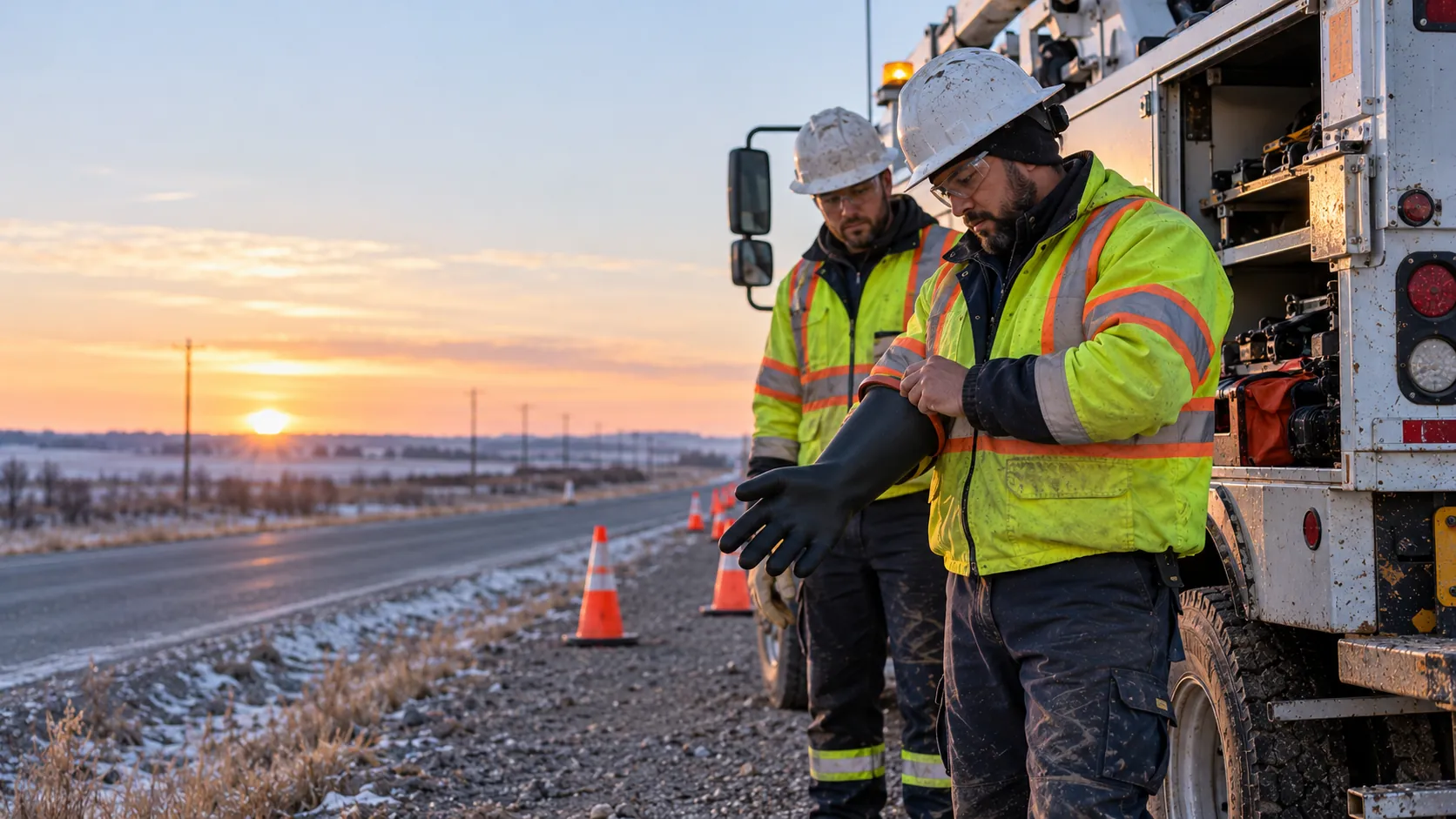
Two utility workers in hard hats and high-visibility jackets beside their service truck on a rural road at sunrise, one pulling on a rubber insulating glove, with traffic cones set out.
Utilities

Utility safety software for crews that are never in one place.

Line work, road crossings and service calls spread a crew across a dozen sites before lunch. Every job gets its own FLHA, every hazard gets reported, and when something goes wrong you can see who is accounted for.

Works in a dead zoneLive in a dayFrom $8 CAD per worker
Where it breaks down

When the crew is spread out, so is the risk.

01

Twelve jobs, one supervisor.

Crews move job to job all day. Checking that each one assessed its hazards means phone calls, not a screen.

02

Work zones on public roads.

Traffic, the public and live equipment share the same space. The controls have to be named and signed at each stop, not once in the morning.

03

Callouts after dark.

Storm and emergency work happens at night with whoever is available. Knowing who is out, and accounting for them, matters most then.

The product

Every crew, every job, one record.

The supervisor sees readiness across every crew as the day moves. When it matters, an emergency alert goes to everyone, and the screen shows who has acknowledged it and who is still outstanding.

  • An FLHA for each job, signed at each stop
  • Emergency alerts every recipient must acknowledge before carrying on
  • A roll call of who is accounted for and who is outstanding
  • Hazards reported with photos, from wherever the crew is
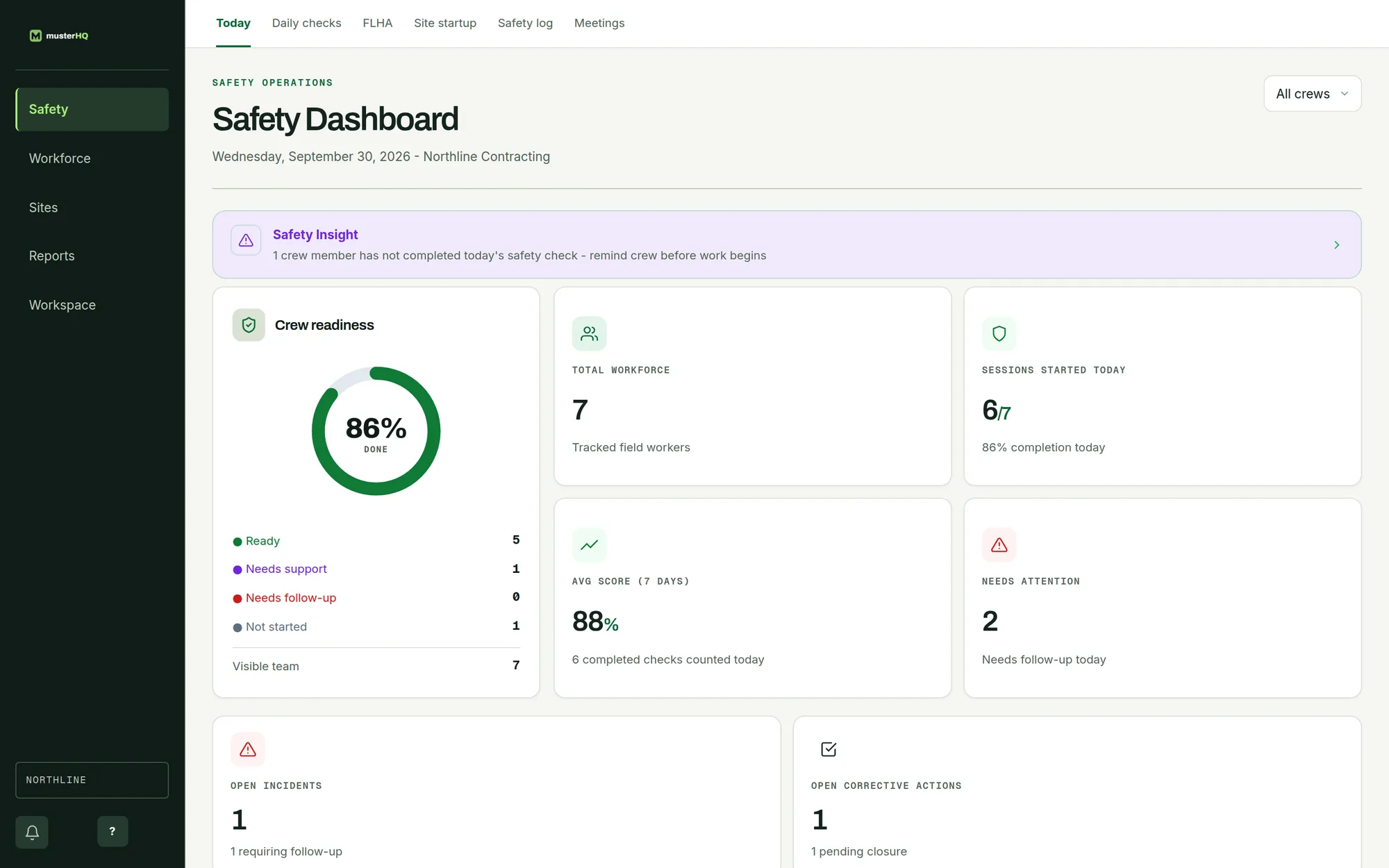
MusterHQ Safety Dashboard showing crew readiness, workforce and items needing attention across crews.
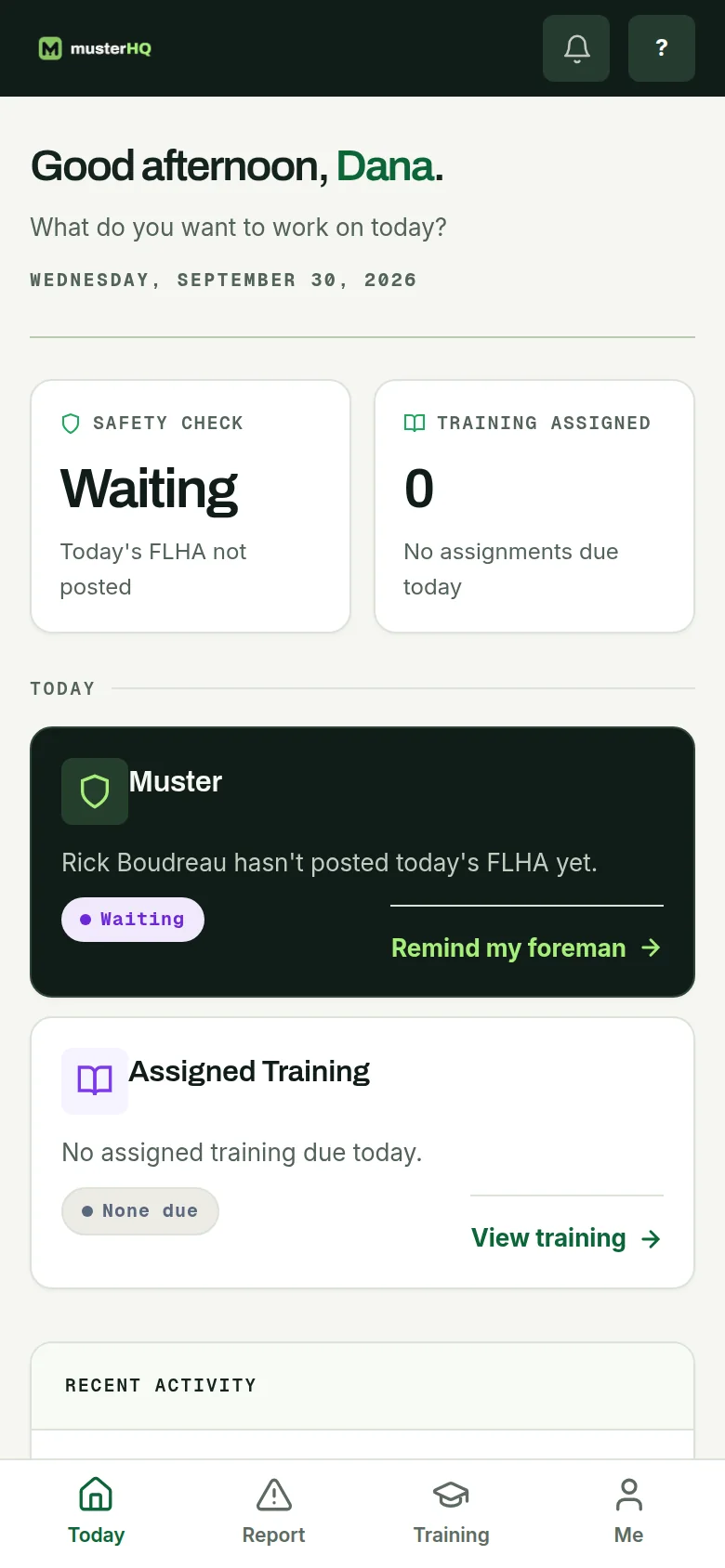
MusterHQ worker app on a phone showing the day’s safety check and FLHA status.

The real Safety Dashboard and worker app, shown with sample data.

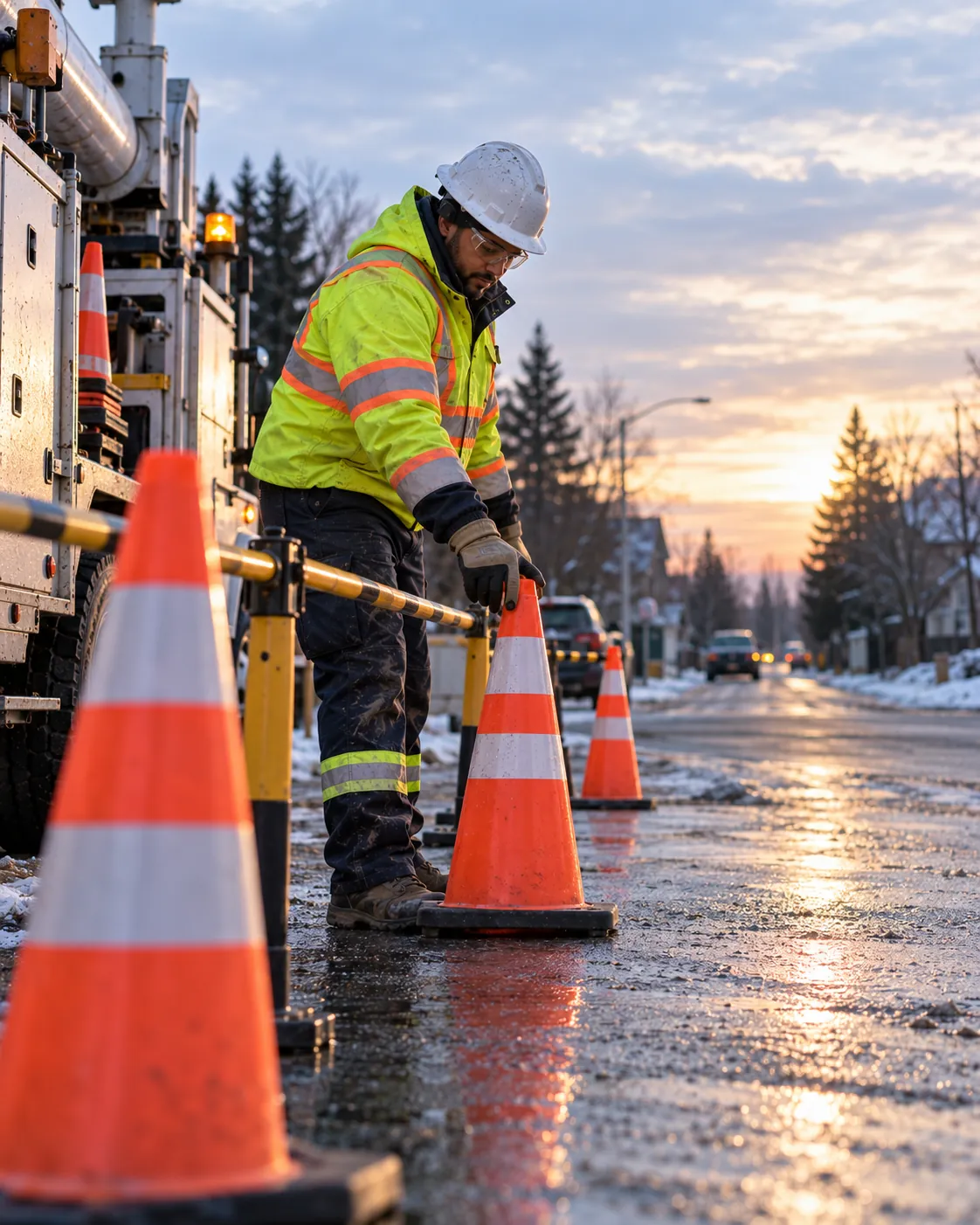
A utility crew member in a high-visibility jacket and hard hat setting traffic cones beside a service truck on a wet residential street.
A day across many jobs

The record follows the crew from stop to stop.

  1. 07:00

    First job, first FLHA

    Hazards and controls for the work zone named and signed before the bucket goes up.

  2. 10:30

    Next site, its own FLHA

    Each job carries its own assessment, so the record matches where the crew actually was.

  3. 14:00

    A hazard on the road

    A worker reports a damaged pole near a school zone with a photo, and it reaches the supervisor with an owner.

  4. 21:40

    Storm callout

    An emergency alert goes out, and the roll call shows who is accounted for and who has not answered yet.

What you will use most

The parts of Muster a utility crew leans on.

Utility safety software, answered

Can each job have its own FLHA?+
Yes. The crew completes and signs an FLHA for each job, so the record shows the hazards and controls for every stop, not one form for the whole day.
How do emergency alerts and roll call work?+
An emergency alert is sent to every active member of the workspace, and each recipient has to acknowledge it before they can carry on using Muster. The alert screen splits the crew into accounted for and outstanding, so you can see who has not answered.
Can I see readiness across all crews at once?+
Yes. The dashboard shows the day’s readiness across every crew, and can be narrowed to a single crew.
Do crew members need a laptop?+
No. Everything a crew member does in Muster, the daily check, the FLHA, a hazard report, is done on their phone.
One record for crews that never stay put.

Request a pilot and your workspace is usually live the same day. From $8 CAD per worker, per month.