Two maintenance workers in flame-resistant coveralls, hard hats and hearing protection inspecting a bolted pipe flange with a flashlight inside an industrial plant.
Industrial services

Safety software for industrial service contractors.

Shutdowns, turnarounds and plant maintenance put large contractor crews inside someone else’s facility on a tight schedule. Muster keeps their hazard assessments, tickets and incident follow-up in one record the client can trust.

Works in a dead zoneLive in a dayFrom $8 CAD per worker
Where it breaks down

A shutdown compresses the risk into a few weeks.

01

Crews triple for a shutdown.

A turnaround brings in workers you met yesterday. Their tickets and sign-offs have to be right on the first day, not sorted out in week two.

02

Lockout and confined space.

The highest-consequence work in the plant. The controls need to be named and signed by the crew doing it, every time.

03

The client audits you.

The facility owner wants to see that your crews assessed hazards and closed their corrective actions, on their schedule, not yours.

The product

Your side of the work, documented.

The client’s permits stay with the client. Muster records your crew’s own hazard assessment, the controls they signed, the talks they attended and the actions they closed, in a form the client can read.

  • Lockout and confined-space controls named on the FLHA and signed
  • Tickets tracked with expiry for every worker, surge crews included
  • Toolbox talks recorded with attendance, then locked
  • Corrective actions tracked to closed, ready for a client audit
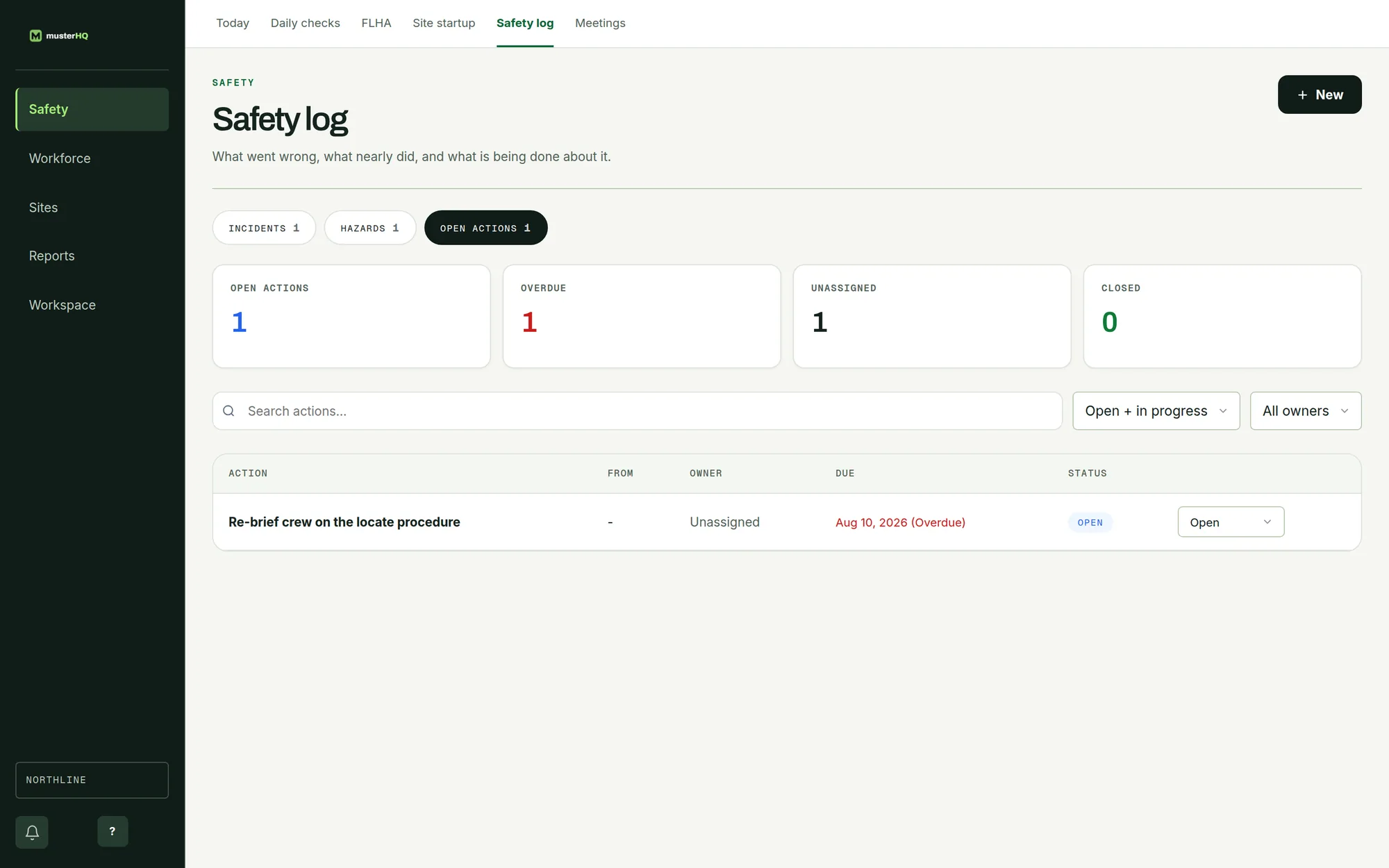
MusterHQ Safety log showing corrective actions, their owners and due dates.
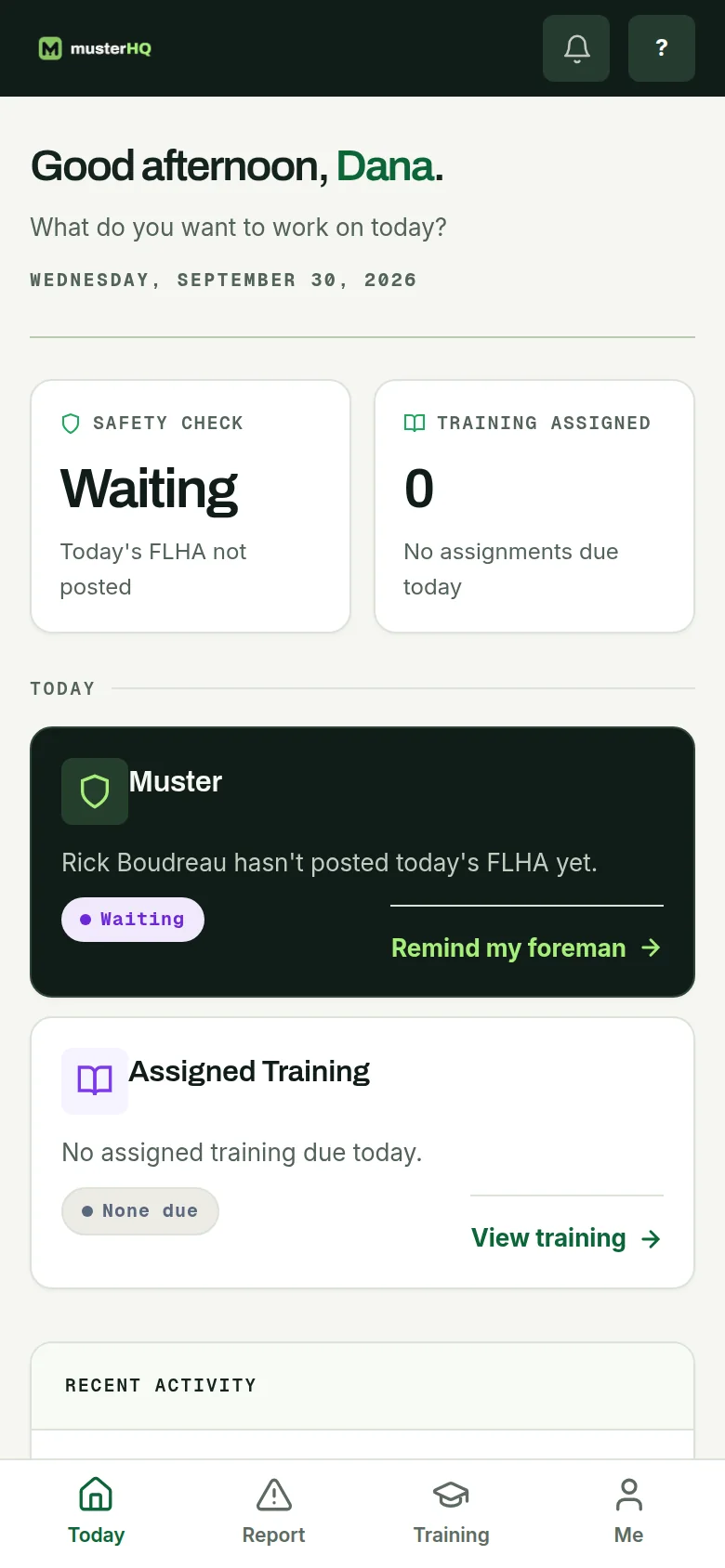
MusterHQ worker app on a phone showing the day’s safety check and FLHA status.

The real Safety log and worker app, shown with sample data.

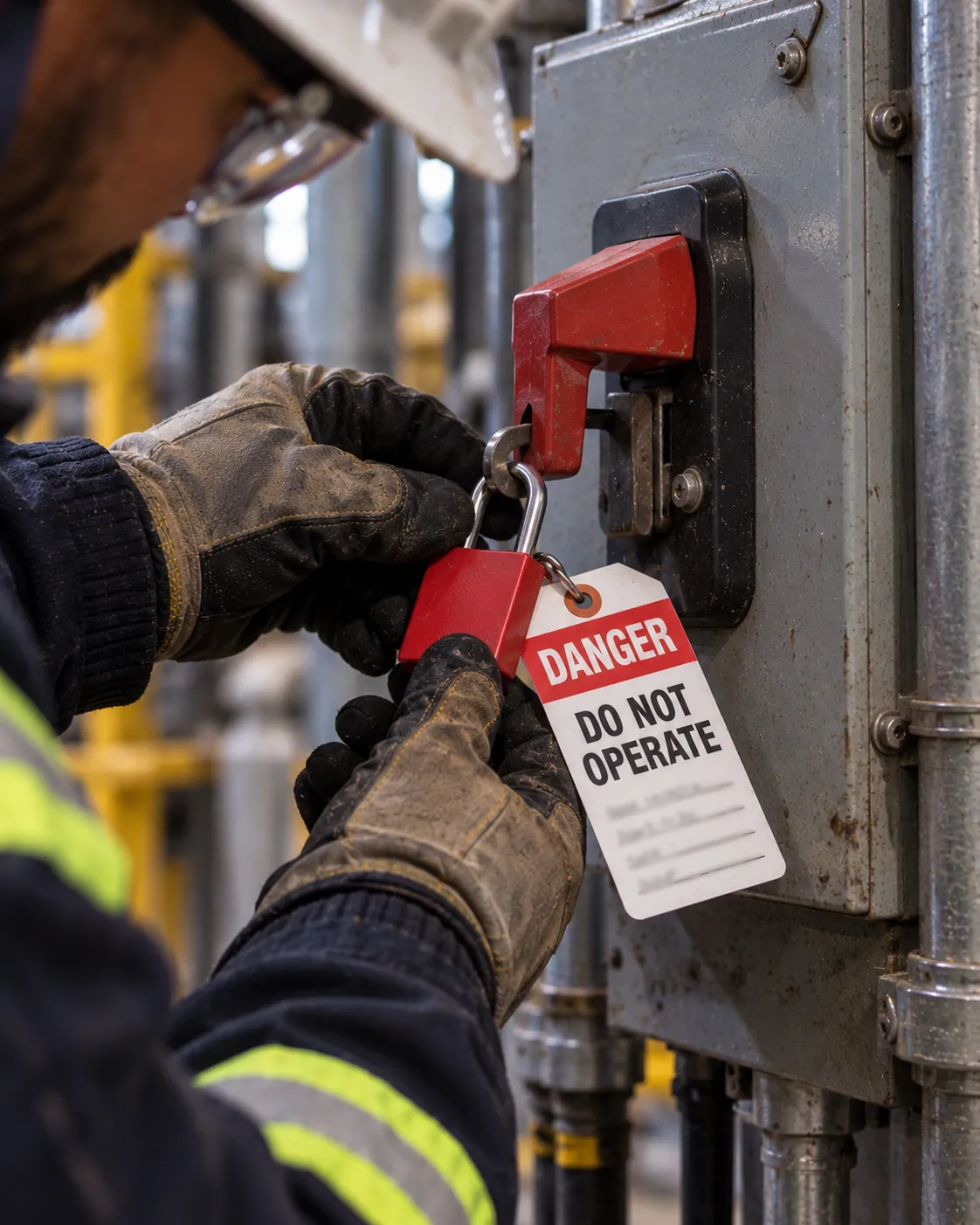
Gloved hands applying a red lockout padlock and a Danger, Do Not Operate tag to an electrical disconnect in an industrial plant.
A shift during a shutdown

Every control, signed by the people doing the work.

  1. 06:00

    Toolbox talk

    The shutdown crew covers the day’s lockout plan and signs attendance on the phone.

  2. 06:30

    FLHA before isolation

    Lockout points and confined-space controls named for the job and signed by the crew.

  3. 13:00

    A corrective action, raised

    A missing guard is reported and assigned to an owner with a due date.

  4. 18:00

    Ready for the client

    The day’s FLHAs, talks and actions are timestamped and exportable for the facility owner.

What you will use most

The parts of Muster a shutdown crew leans on.

Industrial services safety software, answered

Does Muster replace the client’s permit system?+
No. The client’s work permits stay with the client. Muster records your crew’s own hazard assessment, with lockout and confined-space controls as the steps the crew signs off on, so your side of the work is documented.
Can I set up a surge crew quickly?+
Yes. Workers can be added in bulk, and each worker’s tickets are tracked with expiry dates from the first day.
Can I run toolbox talks for a shutdown?+
Yes. Record the topic, collect attendance on the phone, and finalize the talk so it is locked as an audit record.
Can I share records with the facility owner?+
Yes. FLHAs, toolbox talks and corrective actions are timestamped and export as PDF or CSV.

Hand the client a record, not a binder.

Request a pilot and your workspace is usually live the same day. From $8 CAD per worker, per month.